



AI-Powered Business Email: Intelligent Drafting, Thread Summarization, Security, and Collaboration
 Oct 11,2026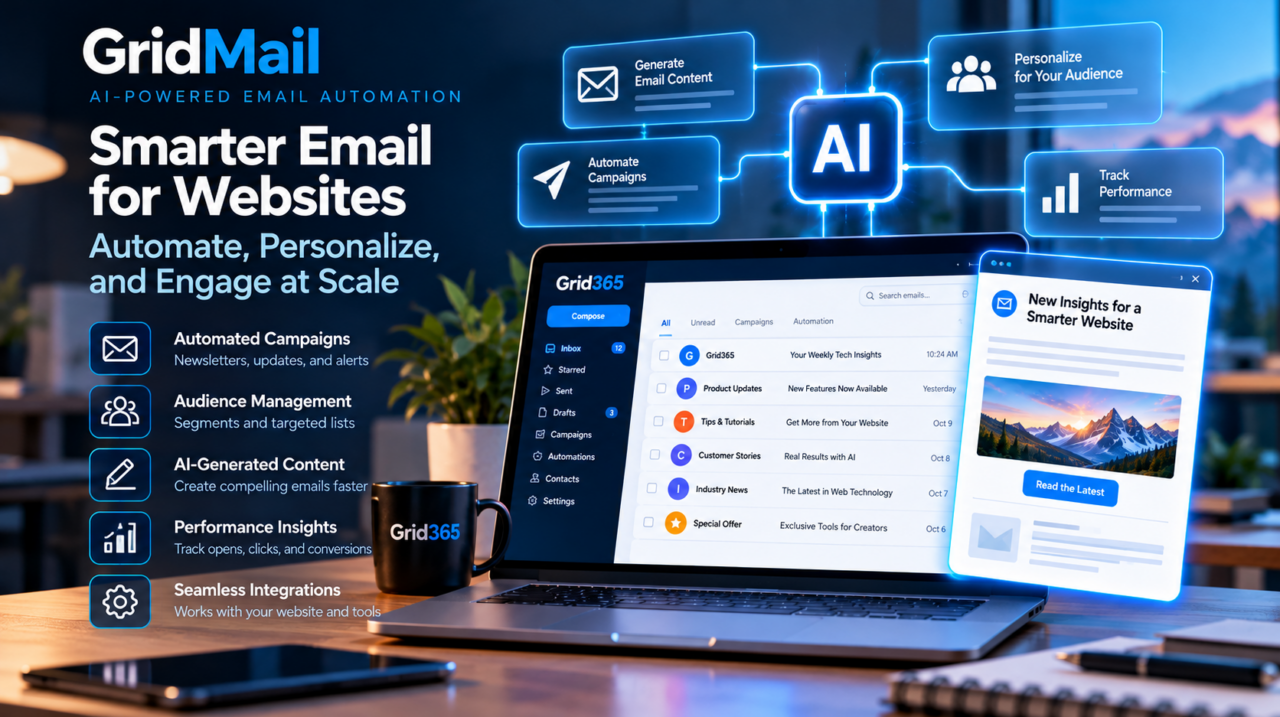
Business email is a mature internet service, but artificial intelligence is changing how users compose, organize, and interpret messages. Unlike a standalone text generator, an AI-enabled email environment must respect message structure, account permissions, deliverability, and the security boundaries of existing mail protocols.
The foundation: email protocols still matter
SMTP handles message submission and transfer, while IMAP allows clients to synchronize messages and folders with a mail server. Encryption, authentication, and correct domain configuration remain essential regardless of the AI features added to a mailbox. Common enterprise configurations use IMAP with TLS and authenticated SMTP for outgoing messages.
Mail delivery also relies on DNS-based controls such as SPF, DKIM, and DMARC to help receiving systems evaluate whether messages are authorized. These mechanisms are separate from AI and cannot be replaced by a language model.
1. AI assistance in message composition
A language model can turn brief notes into a structured email, rewrite a draft in a different tone, or propose a clearer subject line. In an integrated interface, the draft should remain editable and be sent only after a human confirms its recipients and content. The application must distinguish between generating suggested text and executing an actual send operation.
The best prompts reflect the communication task: an appointment confirmation, technical support reply, internal status update, and customer introduction require different levels of detail. AI can help organize wording, but the author remains responsible for factual claims and commitments.
2. Summarizing threads without losing context
Long email threads contain quoted history, signatures, forwarded messages, and repeated information. A summarization pipeline benefits from identifying participants, timestamps, message boundaries, and recent updates before producing a short digest.
A reliable summary should distinguish agreed decisions from open questions and should not invent action items. Sensitive correspondence also requires careful control over what message content is supplied to an AI service, how long it is retained, and who can access the result.
3. Search, contacts, and calendar workflows
Business communications rarely end at the inbox. An email may lead to a calendar appointment, a contact update, or a shared document. Integrated collaboration tools can reduce switching between applications, but they require consistent account identities, permissions, synchronization, and timezone handling.
AI may assist by extracting proposed meeting times or identifying information in a message; it should not silently schedule events or change contacts when the user’s intent is uncertain.
4. Security and privacy boundaries
Email frequently contains personal information, contracts, authentication links, and confidential attachments. Any AI integration should minimize unnecessary exposure, keep mailbox credentials server-side, and enforce existing account permissions.
Message bodies are untrusted input: attackers can include text designed to manipulate an AI assistant into ignoring instructions or revealing information. Mail content should be treated as data, not operational authority. Attachments introduce additional concerns around malware scanning, file access, and inadvertent disclosure.
5. Deliverability remains an engineering discipline
AI-generated copy does not guarantee successful delivery. Sender reputation, rate controls, DNS authentication, spam classification, and recipient consent remain fundamental. For routine business correspondence, a correctly configured domain and authenticated mail submission pathway are more important than stylistic sophistication.
Administrators should verify DNS records after changes and monitor bounce patterns or authentication failures. When users connect mobile devices, encrypted protocols and correct server settings help avoid unsafe fallback configurations.
6. Choosing where AI belongs
Not every email action benefits from automation. Draft suggestions and thread summaries can be useful because they leave the final decision with the user. Sending replies, forwarding documents, or changing appointments has greater consequences and merits stronger confirmation and auditability.
Interfaces should display AI-generated content clearly, offer straightforward edits, and make it easy to return to the original message. A well-designed assistant supports existing workflows instead of making the inbox unpredictable.
GridMail and the connected workspace
GridMail combines professional email with webmail productivity capabilities, including AI assistance and collaboration features. From a technical perspective, the value is the connection between established messaging infrastructure and useful tools for managing communication within the same working environment.
The larger lesson is that AI does not replace email architecture. It adds an intelligent assistance layer over protocols, identity management, security controls, and human communication practices that still need to be dependable.