



The Architecture of AI-Powered Websites: Performance, Security, and Automation
 Oct 11,2026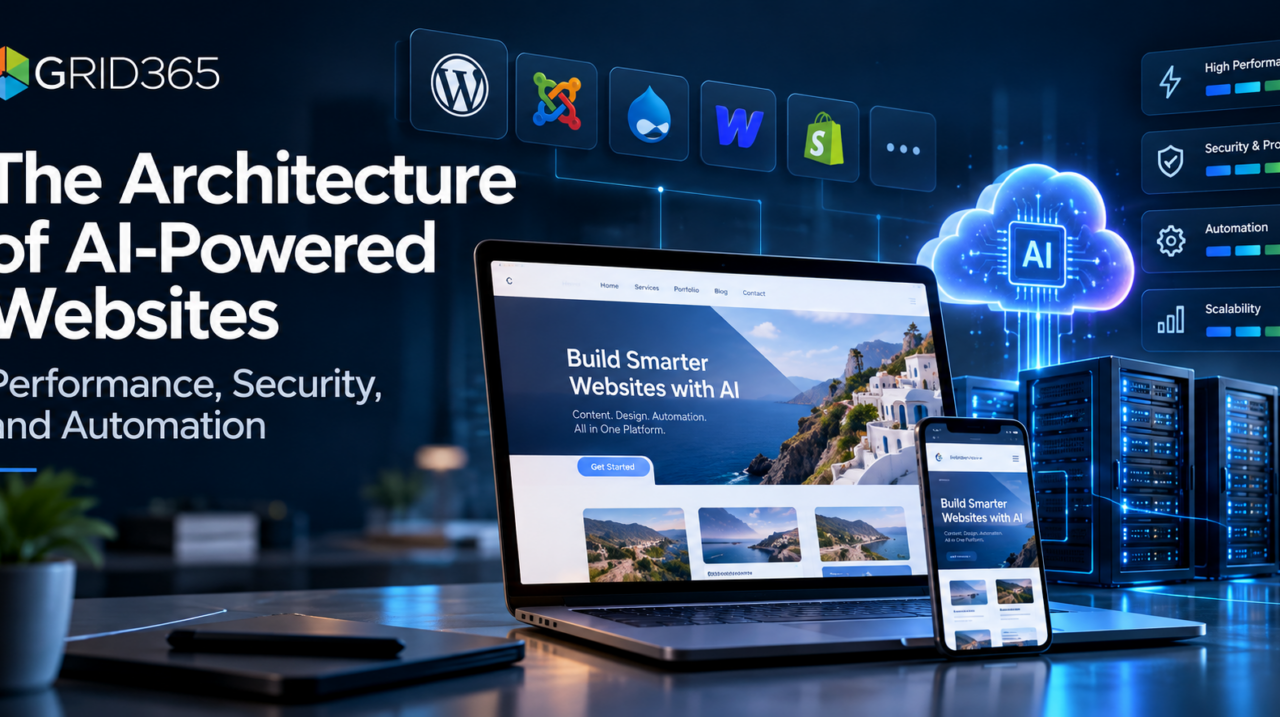
AI-powered websites are often described in terms of chatbots, automatic content creation, and personalized visitor experiences. Those features matter, but they depend on a less visible foundation: hosting architecture, caching, application security, content workflows, and reliable integration between website platforms and external AI services.
For managed website platforms such as GridWeb, the technical challenge is not simply adding AI to a website. It is making AI-assisted workflows practical without compromising the performance, security, and operational consistency that businesses expect from their online presence.
1. The managed website architecture
A managed website environment separates responsibilities across several layers. The infrastructure layer provides compute, storage, networking, DNS, and backup systems. The web-serving layer handles HTTP traffic, PHP execution, and caching. content management systems and website builders manage content and extensibility, while application services supply features such as AI generation, visitor assistance, and account management.
This separation is useful because each layer has a different performance and failure profile. A static landing page, for instance, should not require an AI inference request to render. A visitor asking a chatbot a question does require an interactive request, but that request should not invalidate the site’s page cache or interfere with content editing.
A well-designed managed platform treats these as different workloads rather than routing every operation through a single resource-intensive process.
2. Web servers, PHP, and caching
Many content management systems dynamically assemble pages from application code, stored content, templates, and extensions. WordPress, Joomla, Drupal, and comparable CMS platforms follow variations of this pattern, while hosted builders such as Webflow use different infrastructure and publishing models. Repeating the full process for every anonymous visitor would waste resources. Full-page caching reduces that cost by serving a previously generated response when the content and visitor context permit it.
For example, an OpenLiteSpeed-based stack can use LSCache to reduce repeated application execution for cacheable requests. PHP OPcache separately accelerates PHP execution by retaining compiled bytecode in memory. These tools operate at different levels and are complementary rather than interchangeable.
Content delivery networks add another layer by caching eligible assets closer to visitors. Images, stylesheets, scripts, and other static files are good candidates. Dynamic operations—such as editing a post, accessing an authenticated dashboard, or submitting an AI request—need carefully defined exclusions and cache behavior.
Technical takeaway: effective caching is selective. Higher cache-hit rates are useful only when users still receive the correct content and interactive features work as intended.
3. AI requests are not ordinary page loads
Traditional website requests typically retrieve or update relatively small amounts of structured data. Generative AI requests may involve a prompt, model selection, usage accounting, and an external service that can take longer to respond. Image and video generation introduce additional file storage and processing concerns.
That difference shapes integration design. AI features should use authenticated, validated requests and appropriate timeouts. Long-running tasks may require asynchronous processing or a status-driven workflow rather than keeping the browser waiting indefinitely. Generated results also need an explicit destination: a text control, media library item, post field, or another supported editing surface.
In website builders and content-management editors, the challenge is preserving editor state. An AI-generated heading or image should update the intended content control without overwriting unrelated fields. Repeaters and multi-item widgets add another complication because the application must distinguish between the selected item and its siblings.
These are engineering problems involving application state and data integrity, not merely prompt quality.
4. Security boundaries in a managed environment
AI functionality expands the attack surface because it introduces additional inputs, credentials, integrations, and stored outputs. Websites and content-management platforms still require ordinary safeguards: timely software updates, role-based permissions, secure login practices, transport encryption, and controlled administrative access.
For AI-specific features, server-side credentials must remain inaccessible to public browsers. A website visitor should not be able to choose an unrestricted model, bypass account limits, or submit operations reserved for administrators. Request validation and permissions are essential even when the interface hides advanced controls.
Content retrieved for an AI assistant also deserves scrutiny. Public pages, uploaded documents, and knowledge-base excerpts are data—not trusted instructions. Applications should maintain clear boundaries between retrieved material, system behavior, and user requests.
Backups provide a different kind of protection. They cannot prevent every incident, but independent recovery copies and tested restoration procedures reduce the operational impact of accidental changes, corrupted files, or server failure.
5. Performance monitoring beyond page-speed scores
Page-speed metrics remain important, but a managed AI-enabled website needs broader monitoring. Useful signals include cache hit rate, PHP execution time, server resource utilization, failed background jobs, AI request latency, and the error rate of external integrations.
An image-generation operation that fails after the content editor has updated its interface is a different problem from a slow anonymous page view. Tracking both with a single performance score obscures the cause.
Operational visibility becomes particularly important as more than one AI feature shares the same website. Content generation, chat interactions, and media processing can have very different traffic patterns and cost characteristics.
6. Usage metering and governance
AI consumption is variable. Text models may be billed by tokens, while image and video workflows often use different units. A managed offering therefore benefits from a consistent approach to identifying the requesting site, recording consumption, applying service entitlements, and surfacing usage to administrators.
At the same time, individual application features should retain control over their own workflows. The account-management layer can determine which resources a site may consume without needing to know the details of every editor widget or chatbot conversation.
That separation helps a platform add new capabilities over time without forcing every existing feature to adopt the same internal request format.
7. AI as an extension of the content lifecycle
The strongest use cases connect AI with familiar publishing tasks. A content editor might generate a first draft, revise a heading, create supporting imagery, review the result, and then publish. A site assistant might use approved website information to answer a visitor’s question and link to a relevant page.
Neither workflow eliminates human review. Generated content still requires checks for factual accuracy, brand fit, accessibility, copyright considerations, and search relevance. For a website assistant, the reliability of the underlying knowledge source matters at least as much as the language model’s fluency.
AI also changes the maintenance lifecycle: prompts evolve, model availability changes, integrations require testing, and businesses need visibility into how automated features behave after deployment.
8. What this means for the future of managed website platforms
The next stage of managed website platforms are likely to be defined less by the number of AI buttons in a dashboard and more by how effectively those features integrate with infrastructure and publishing workflows. Performance isolation, sound permissions, predictable costs, and dependable editor updates are the properties that turn an impressive demonstration into a useful service.
GridWeb is part of that broader direction: bringing managed website infrastructure and AI-assisted tools into one operating environment. Related Grid365 technologies, including GridWrite and GridChat, illustrate how specialized AI capabilities can extend content production and visitor interaction while remaining distinct from the underlying hosting responsibilities.
For developers, agencies, and technically minded business owners, the useful question is not simply, “Does this website use AI?” It is, “Can the website support AI workloads safely, efficiently, and consistently as the organization grows?”
Explore the GridWeb platform and the broader Grid365 technology ecosystem to learn more about managed websites and AI-assisted workflows.