




GridWrite AI can generate images directly from supported image controls inside the editor.
Generate an image #
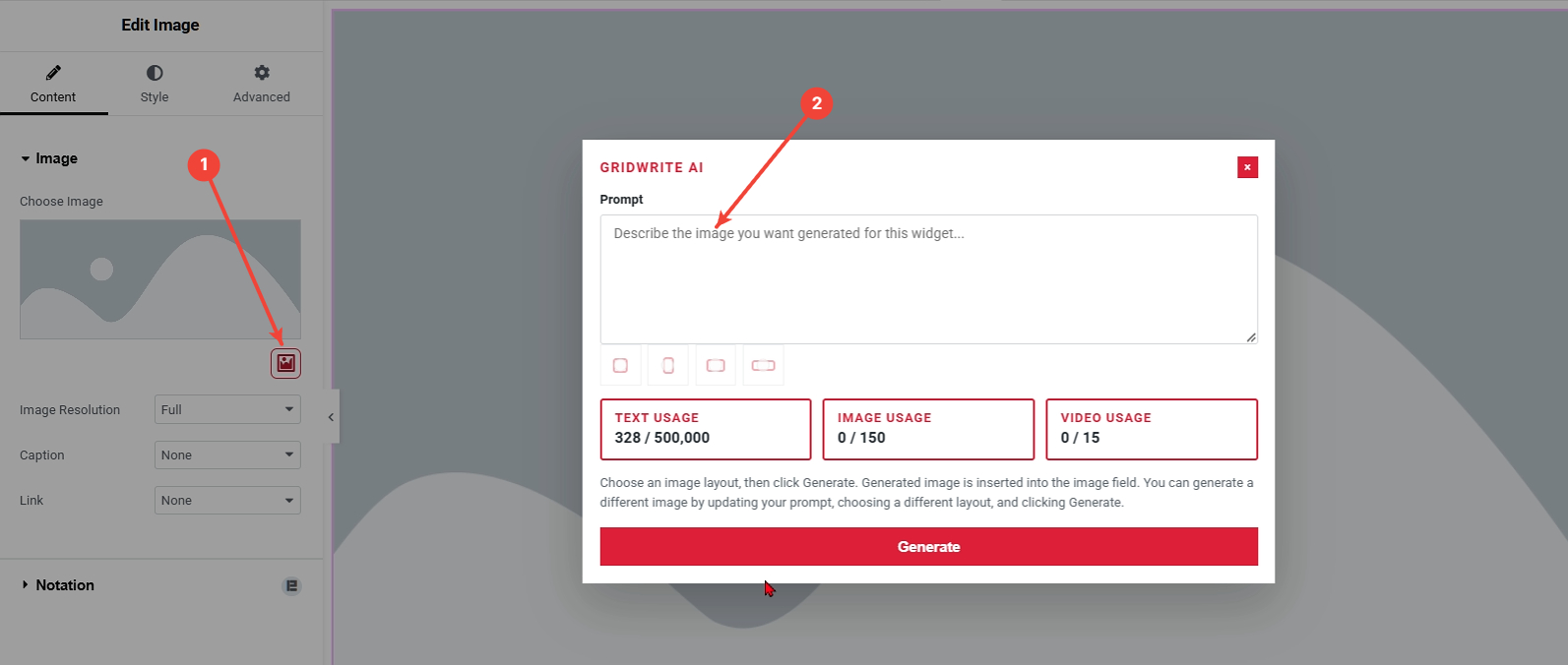
1. Open GridWrite AI #
Select the widget and click the GridWrite AI icon beside the image control.
2. Describe the image #
Enter a prompt that describes the subject, setting, composition, style, and any other important visual details.
3. Choose the image layout #
Select the orientation or layout that best matches where the image will be used.
4. Generate #
Click Generate to create the image.
What happens next #
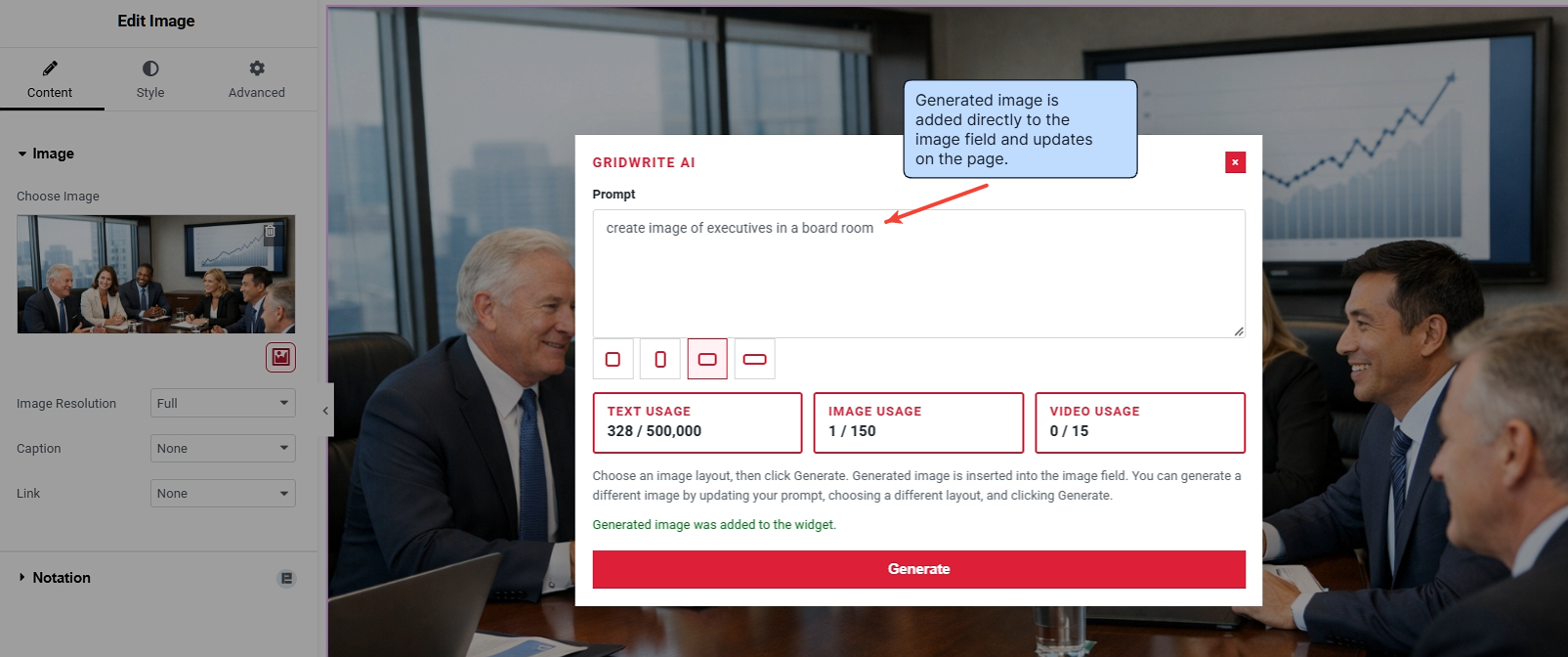
The generated image is added directly to the image field and updates on the page.
Writing a better image prompt #
Include details such as:
- the main subject
- environment or background
- camera angle or composition
- lighting
- visual style
- orientation when relevant
Tip #
Match the selected layout to the space where the image will appear. A wide image usually works better in banners and horizontal cards, while a portrait layout is more suitable for tall content areas.


